Upd8All
The Queue Buster App
The smarter way to use your smartphone!
Upd8All is a
free app for sending
short status updates to
people who are waiting.
Only the sender needs the app.
Receivers scan a QR code with their
phone camera and see updates in their web
browser with nothing to download.
Upd8All doesn't ask for names, email addresses,
phone numbers or contact lists.
And messages are encrypted end to end.
![shutterstock_1687403152-[Converted]](https://upd8all-ltd.com/wp-content/uploads/2023/07/shutterstock_1687403152-Converted.jpg "shutterstock_1687403152-[Converted]")
Before using the queue buster app Upd8All
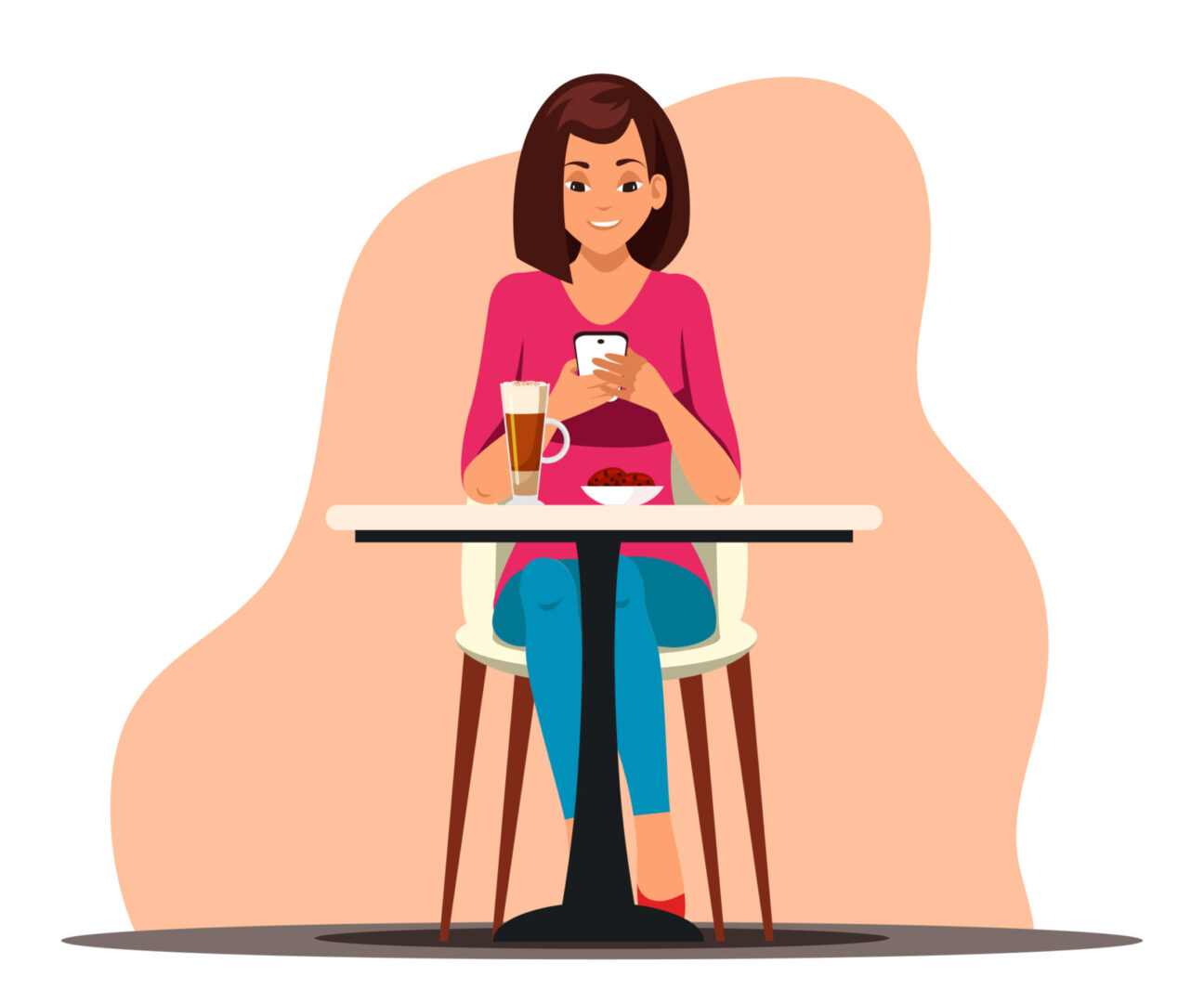
When using Upd8All

Anonymous
Upd8All doesn't need any personal information to operate.
Secure
No app is 100% secure. But we are proud of our app from a security point of view.

No Setup
Upd8All comes pre-configured and ready to use.
Examples of using Upd8All
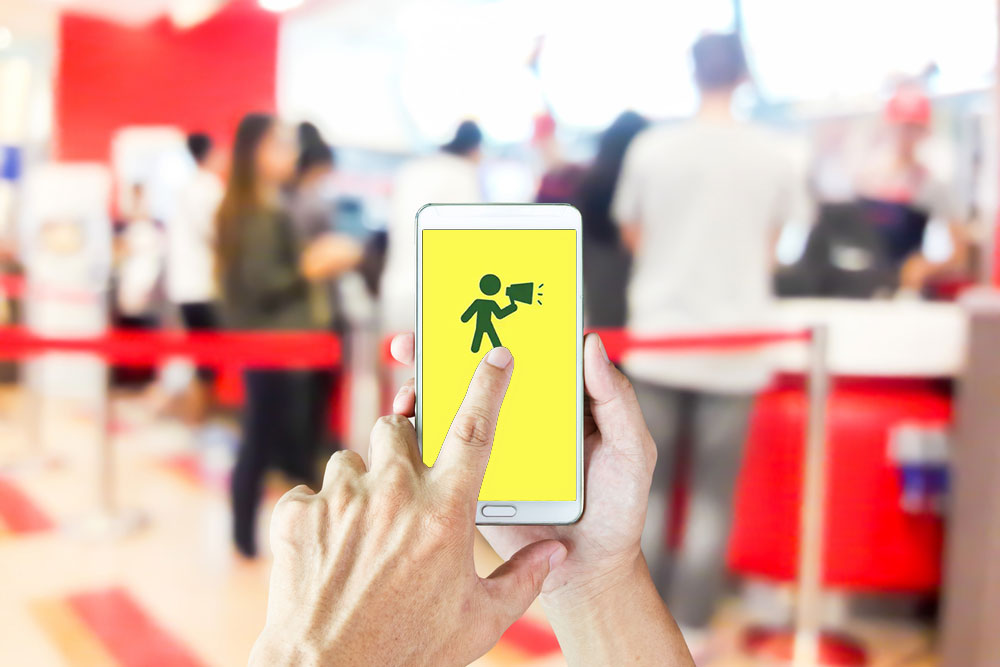
Fast food restaurant
You run a busy hamburger joint.
The customer places an order and goes to find a table.
You want to let them know when their order is ready.
- Should you buy some buzzers and buzz each customer when their order is ready?
- Should you ask for their telephone number and text each customer individually?
- Should you put up an electronic board above the counter to let customers know which order numbers are ready to collect?
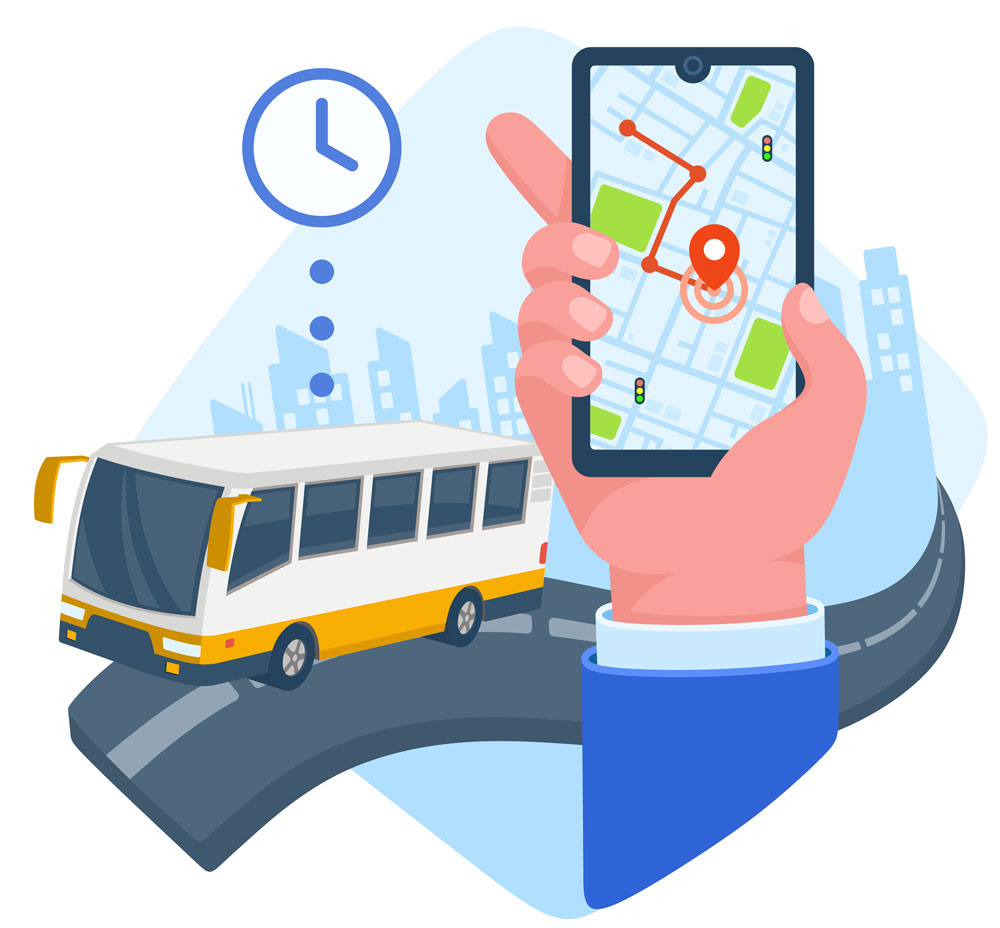
School trips
You are an arts teacher. You take your teenage students to a big gallery. You want them to be at a muster point when you call them.
- Should you text each student individually?
- Should you restrict their freedom to be always close to you?
See Examples of using Upd8All.
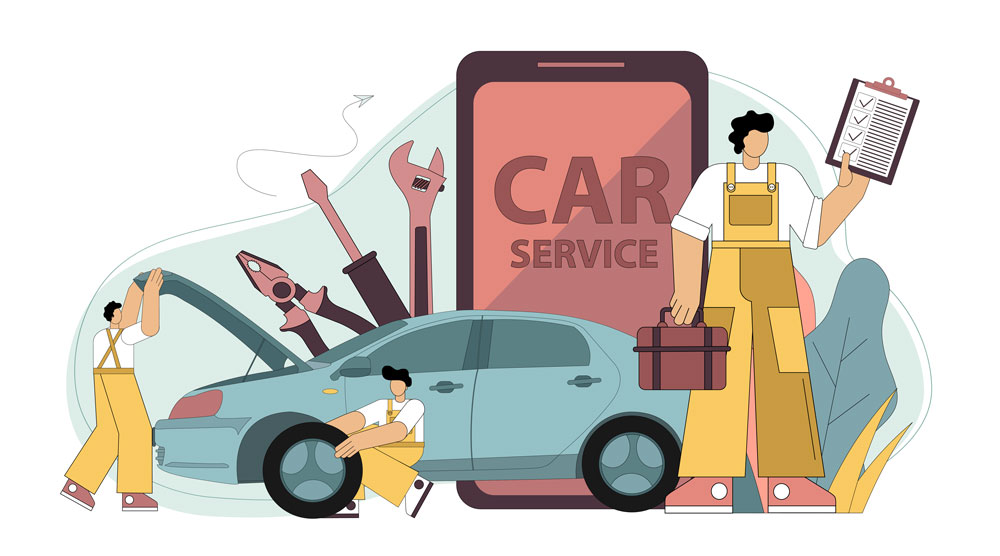
Car mechanic
Your car needs a new exhaust/service/puncture repair.
The garage can fix your car the same day, but they are not sure when it will be ready.
- Should you give them your phone number?
- Should you wait around till the car is ready?
- Should you call them back periodically to see if your car is ready?
Flight arrival updates
You expect Flight XYZ to land at the local airport. The ETA is 3pm.
- Should you go to the airport early to pick up your passenger?
- Should you risk getting there late to save time and money?
- Can you get there just in time?
FAQ's
There are no downloads, no accounts, no hassle, and no waiting.
Upd8 Go is the lean, fast, app-free way to receive updates from individuals or businesses you trust. Scan the sender's QR code with your phone camera and the updates open directly in your web browser. There is nothing to download, no account to create, and no setup. Upd8 Go is live now, and it includes the History feature, so you can see up to the last 10 messages on the channel.
To send upd8 messages on a channel, follow these steps:
- Scroll through your channels to locate the desired Send channel.
- Identify Send channels by their distinct background colour and the presence of the Send upd8 msg button.
- Once you've selected the Send channel, type your message into the designated input field.
- After composing your message, tap the Send upd8 msg button to send it to the channel.
To receive upd8 messages on a channel, follow these steps:
- Wait for the sender to present you with the QR code of the channel.
- Tap the Receive upd8s button on your device.
- Aim your device's camera at the QR code displayed by the sender.
- Once the QR code is successfully scanned, the camera will automatically close.
- You will receive a notification confirming the creation of a Receive channel for you.
To browse older update messages sent or received on a channel:
-
Locate the specific channel card in your app list (or on your Upd8 Go web screen).
-
Tap the ▼ History button situated directly above the latest message.
-
A pop-up drawer will appear displaying a scrollable timeline log of up to 10 previous updates along with their corresponding date and time stamps.
(Note: History logs are dynamic and securely streamed on-demand.)
The maximum length of a message on Upd8All is currently limited to 40 characters.
Upd8All channels come in two types:
- Send Channel: You can create this type of channel by tapping the button labelled "New upd8 code."
- Receive Channel: You can create this type of channel by tapping the button labelled "Receive upd8s."
Each channel consists of a send end and a receive end:
- Send End: This is where you send upd8s (updates).
- Receive End: This is where receivers receive the messages.
In essence, a channel functions similarly to a pipe, with the distinction that:
- A channel can have multiple receivers.
- All receivers subscribed to the channel receive the same upd8s.
Upd8All prioritizes security, employing several measures to safeguard user data:
- Messages are encrypted both locally and on our servers, ensuring protection at all stages.
- Messages are encrypted during transit, enhancing security during transmission.
- Each channel is encrypted differently, providing an additional layer of protection. This encryption scheme prevents even us from reading message content stored on our servers.
It's crucial to remember that while Upd8All strives for security, no system can guarantee absolute protection. Therefore, we strongly advise against sending messages that may pose identification, financial, personal, or other risks to yourself or others.
Additionally, before selling or disposing of your mobile phone, utilize the Reset function within the app to delete local data. This step increases the difficulty for potential attackers to access your phone's data after disposal.
No, Upd8All channels facilitate one-way communication exclusively, from the sender to the receiver(s).
For two-way communication, two separate Upd8All channels are required. Here's how it works:
- Alice initiates the communication by creating a channel, thereby becoming the sender on the "Alice-to-Bob" channel.
- Bob participates in the communication by scanning the QR code provided by Alice, thus becoming the receiver on the "Alice-to-Bob" channel.
- To enable Bob to respond, he creates a new channel, becoming the sender on the "Bob-to-Alice" channel.
- Alice then scans the QR code provided by Bob, becoming the receiver on the "Bob-to-Alice" channel.
Tip: It's advisable for both Alice and Bob to utilize labels for their channels to ensure clarity regarding the subject and the intended receiver(s) of the messages.